



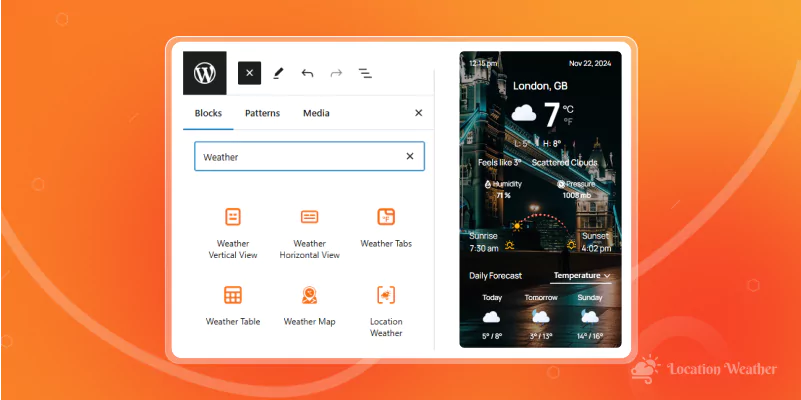
Location Weather, the most popular WordPress weather plugin, recently launched its Gutenberg weather forecast blocks. These are so far considered the first and best weather forecast builder tools in the WordPress Gutenberg editor.
The ready-to-use, beautiful weather templates, easy customizations, and seamless visual editing experience make these blocks the best options for displaying weather forecasts (up to 16 days and 96 hours) on your weather-dependent business and organization sites in minutes.
Let’s dive in.
Best Gutenberg Weather Forecast Blocks
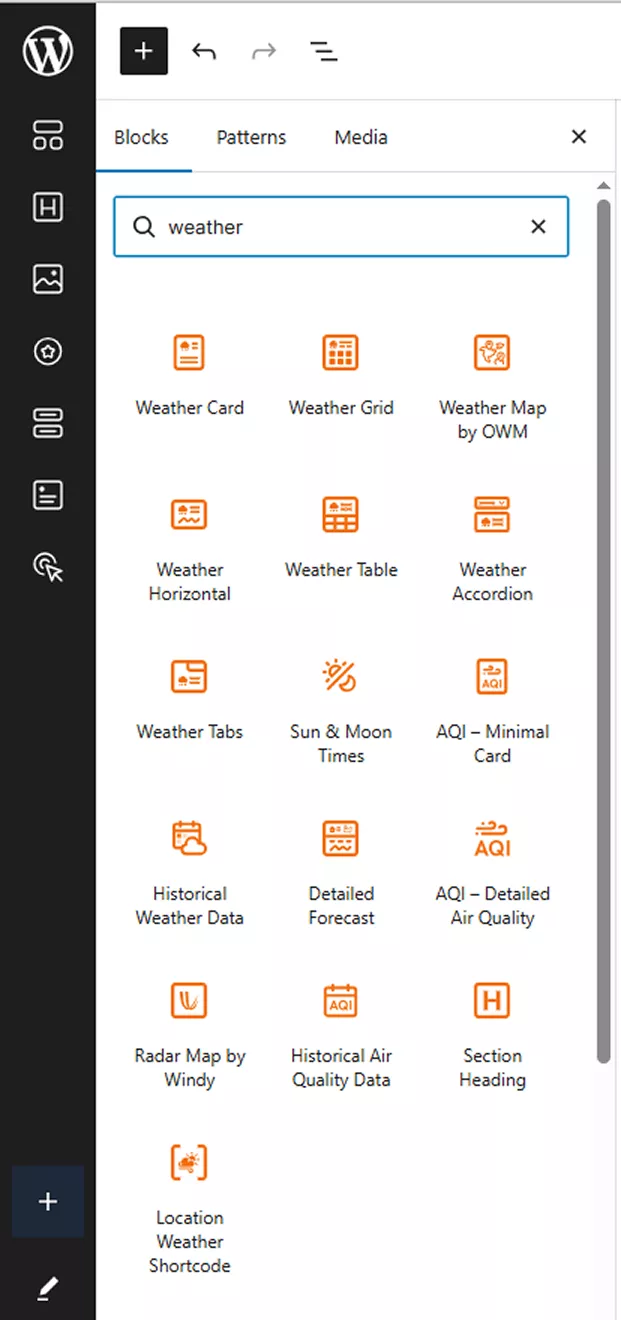
View all block live demos.
Weather Card Block
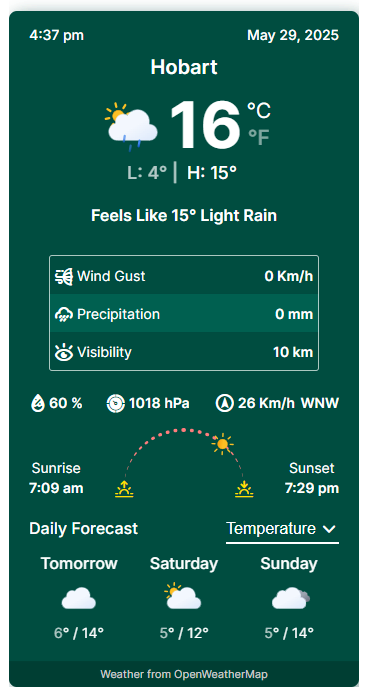
This is the most widely used weather block. This block displays weather data in a vertical view. It is ideal for small to medium weather forecasts. It is usually placed in sidebars. However, you can display multiple vertical weather forecasts in a main content area as well.
This weather block offers six templates.
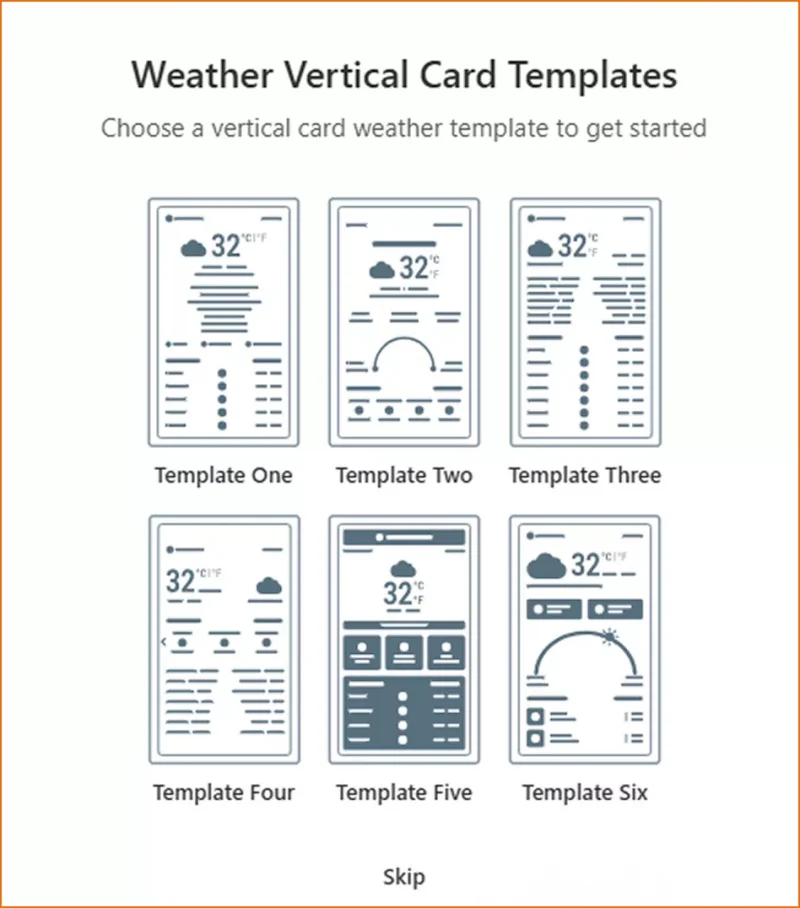
Choose the one that fits your site best and customize it easily using the options in the right-hand sidebar.
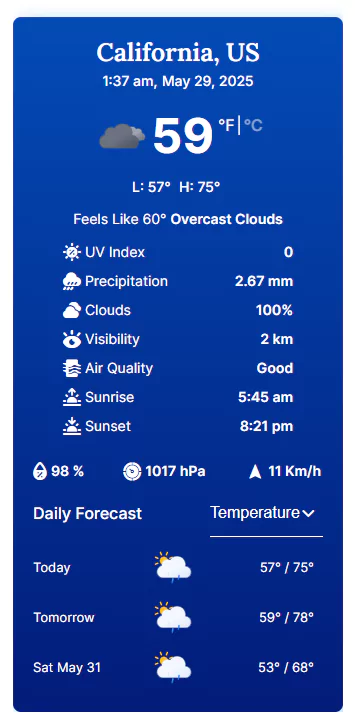
Live vertical weather views look like
Weather Grid Block
The Weather Grid block lets you display weather information in a clean, organized grid layout using Gutenberg. It’s perfect for showing weather data, making it ideal for news sites, government portals, travel pages, and informational websites. With a visually balanced design and easy customization options, the Weather Grid block helps visitors quickly scan forecasts, compare locations, and get the information they need—without clutter or complexity.
The horizontal block offers three beautiful templates.
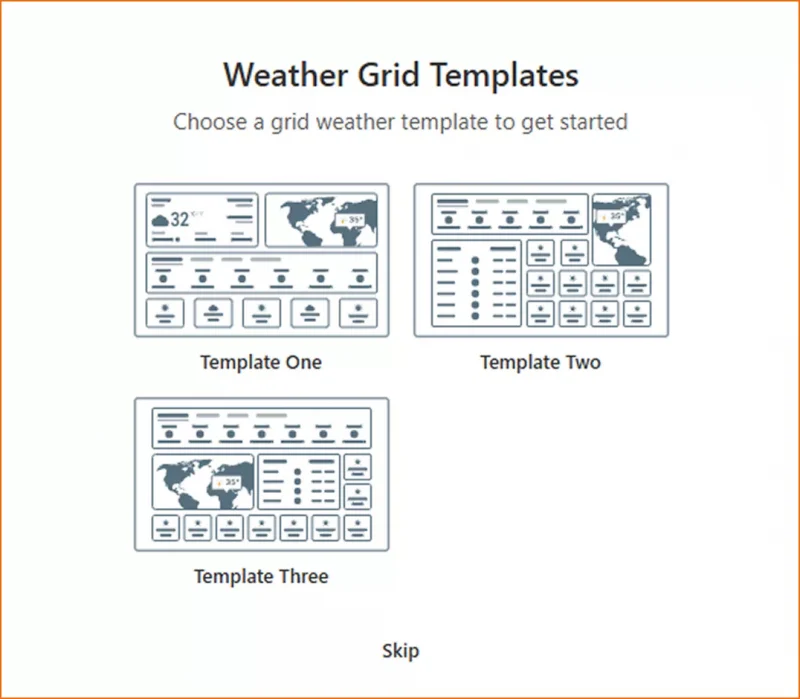
This is what a weather grid looks like.
Weather Horizontal Block
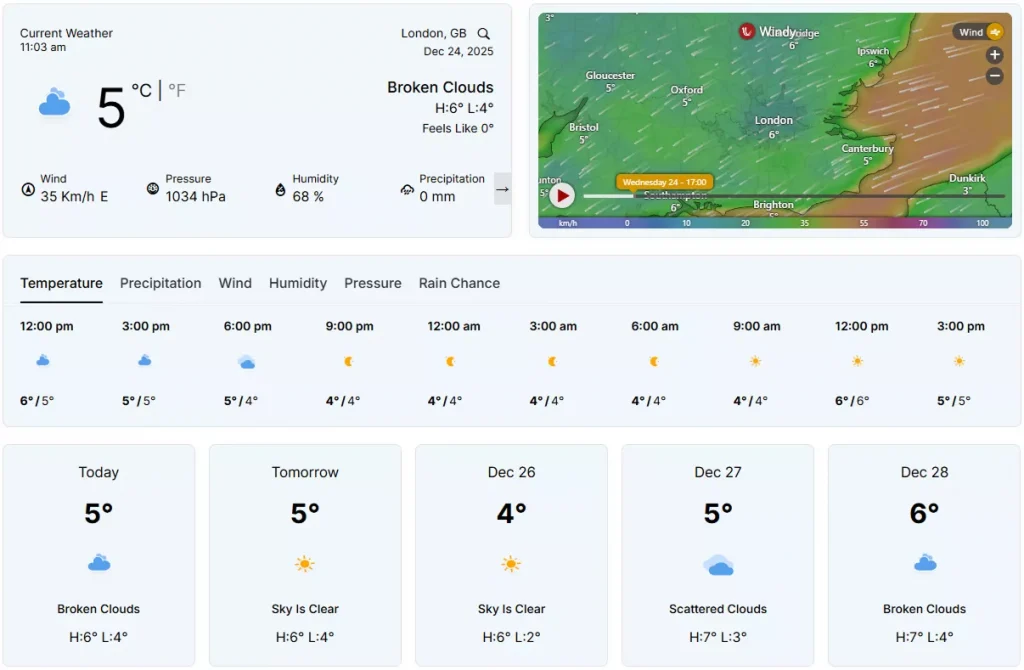
If you want to display detailed weather forecasts on your WordPress site, the Weather Horizontal View is the best option. However, you can also display a single-row vertical weather view on your site.
The horizontal block provides four templates.
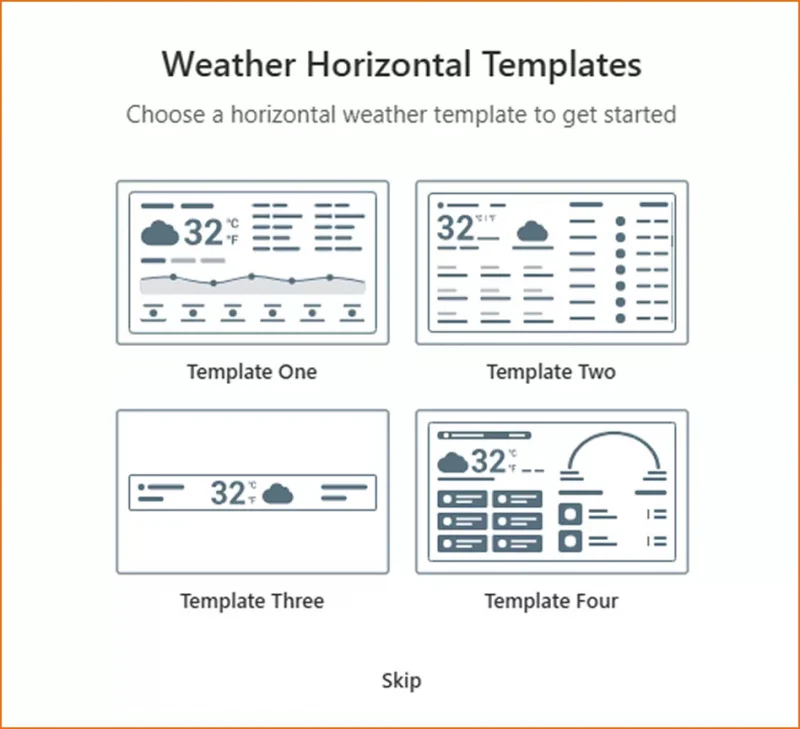
Explore them and choose the best one for your site and visitors.
This is what a live weather horizontal view looks like.
Detailed Forecast Block
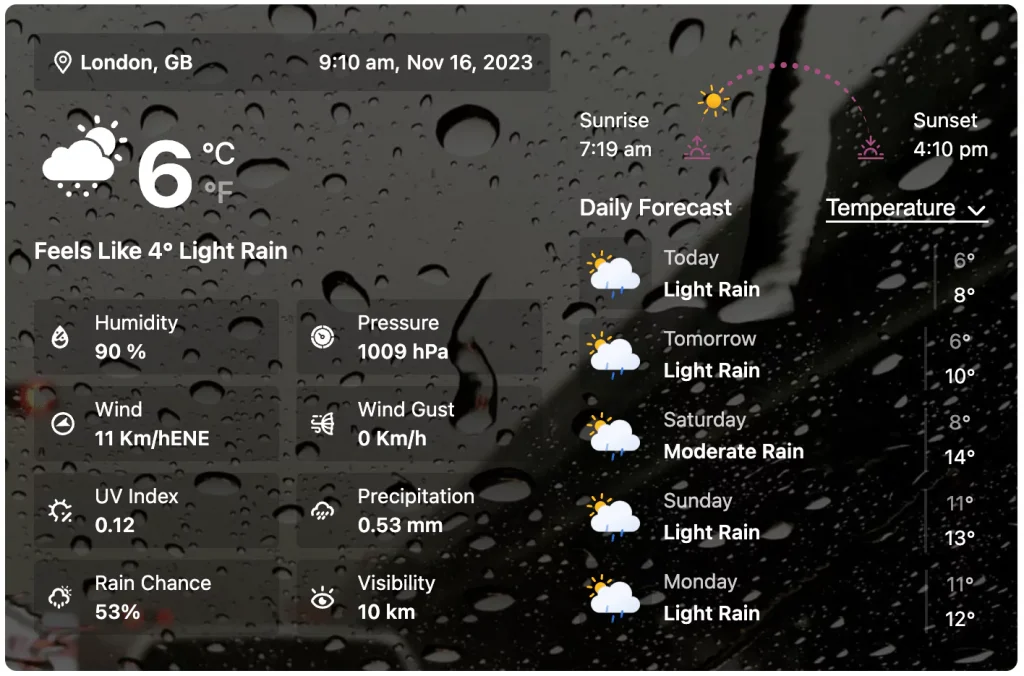
The Detailed Forecast Block delivers daily forecasts for up to 16 days and hourly forecasts for up to 96 hours in detail, all in a clean, beautifully organized display. It helps visitors explore short-term and long-term weather conditions at a glance.
A basic, detailed weather forecast looks like:
AQI Minimal Card Block
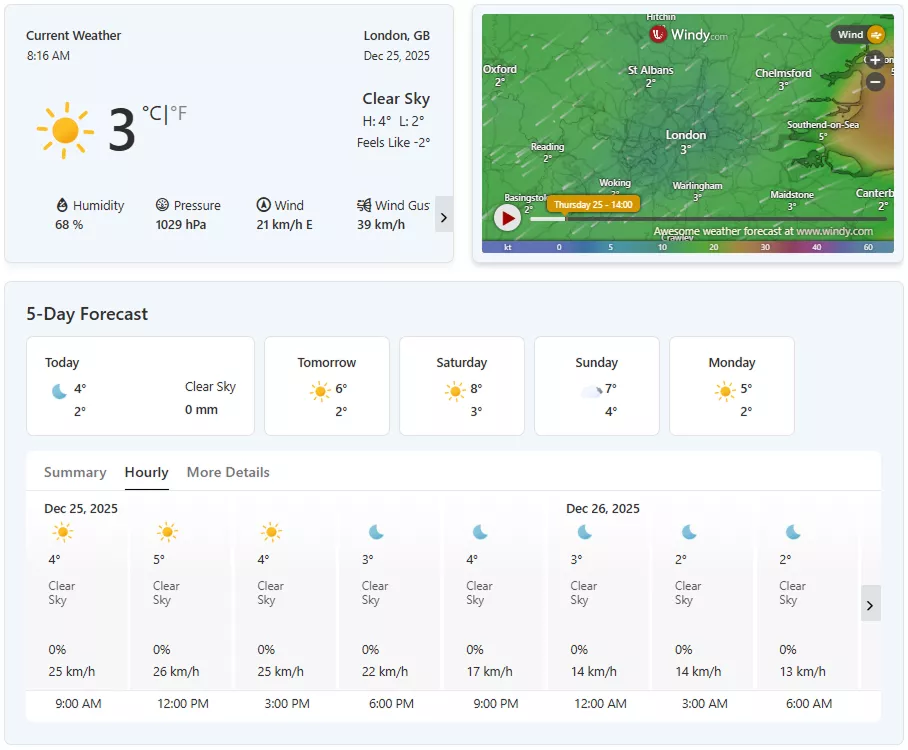
This block displays essential air quality information in a compact, easy-to-read card layout. Designed for clarity and speed, it highlights the current AQI status at a glance—making it ideal for dashboards, sidebars, and pages where space is limited but information matters.
AQI card block offers 6 beautiful templates.
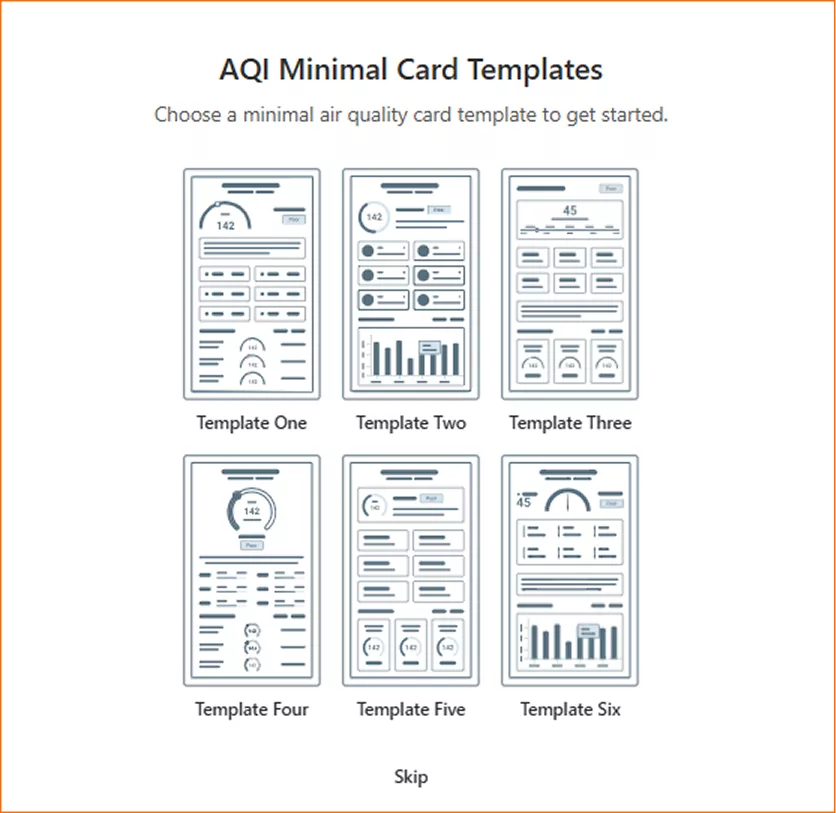
Simple AQI cards look like.

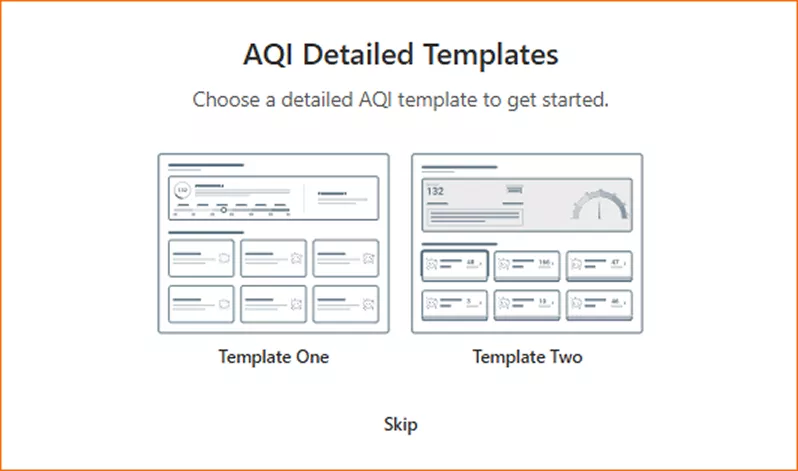
AQI Detailed Block
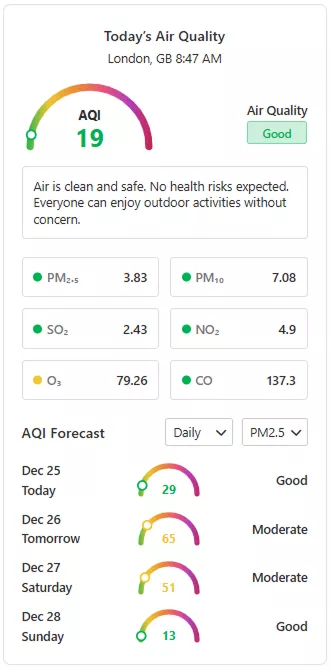
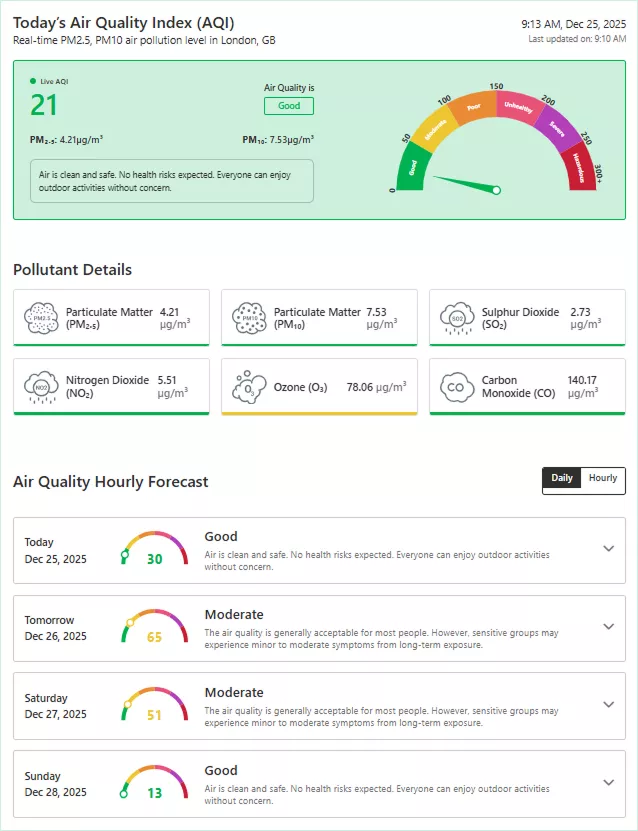
This powerful block provides an in-depth view of air quality conditions with clear indicators and contextual data. It helps visitors understand AQI levels, potential health impacts, and overall air conditions in a well-structured, user-friendly layout—perfect for informational pages, government sites, and public awareness platforms.
It offers two ready, beautiful templates.
This is how a basic, detailed AQI looks.
Historical Weather Data Block
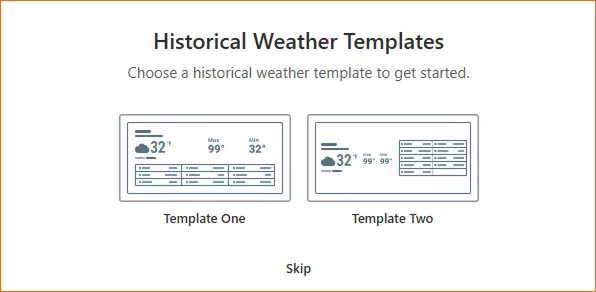
The Historical Weather Data Block unlocks decades of weather history, showing up to 46 years of past data, based on your API, in an easy-to-read format. It’s ideal for analyzing trends, supporting research, and providing valuable climate context to your audience.
It offers two ready templates.
Sun & Moon Block
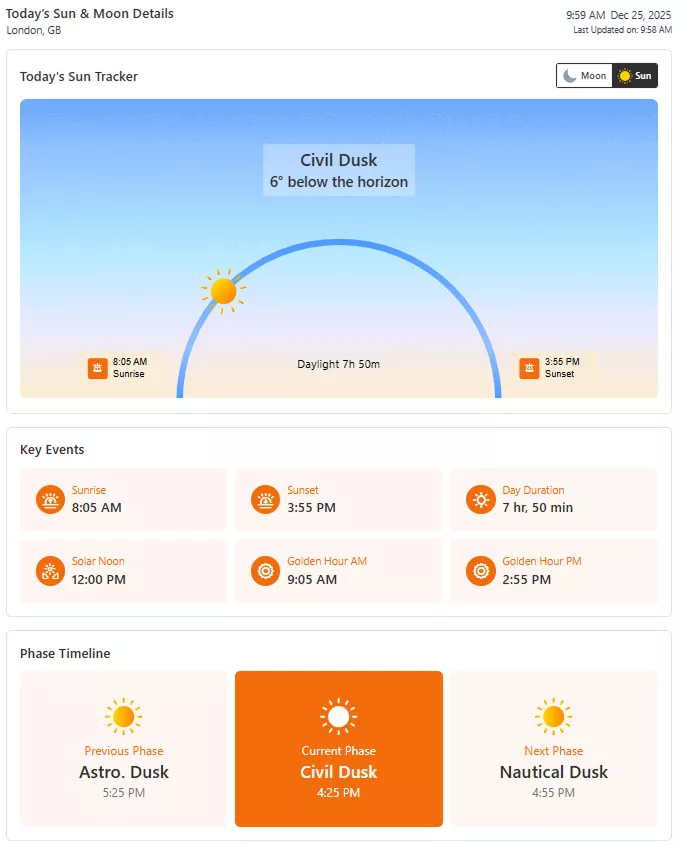
The Sun & Moon Block displays essential sun and moon information in a clear, visually balanced layout. It shows key details such as sunrise and sunset times, moon phases, and related data—helping visitors understand daily light conditions and natural cycles at a glance. This block is ideal for informational websites, public dashboards, and location-based content.
It provides two stunning templates.
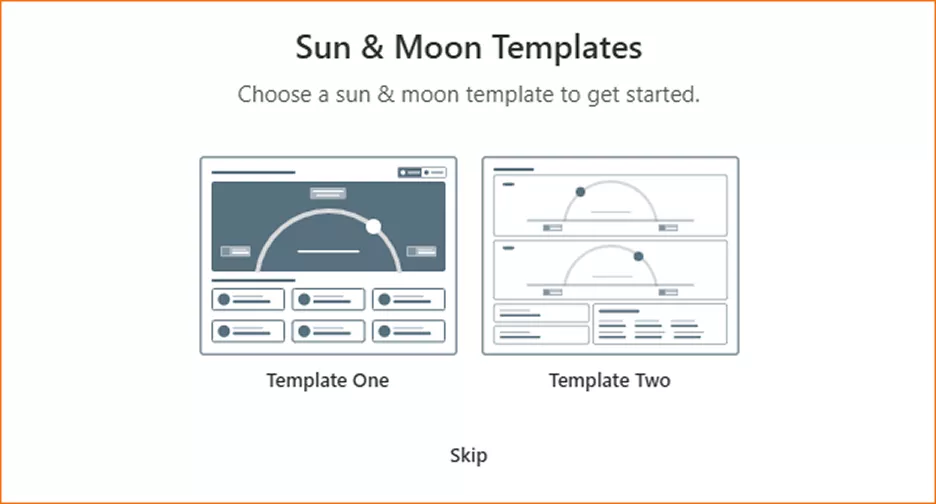
A basic Sun and Moon template looks like:
Weather Tab Block
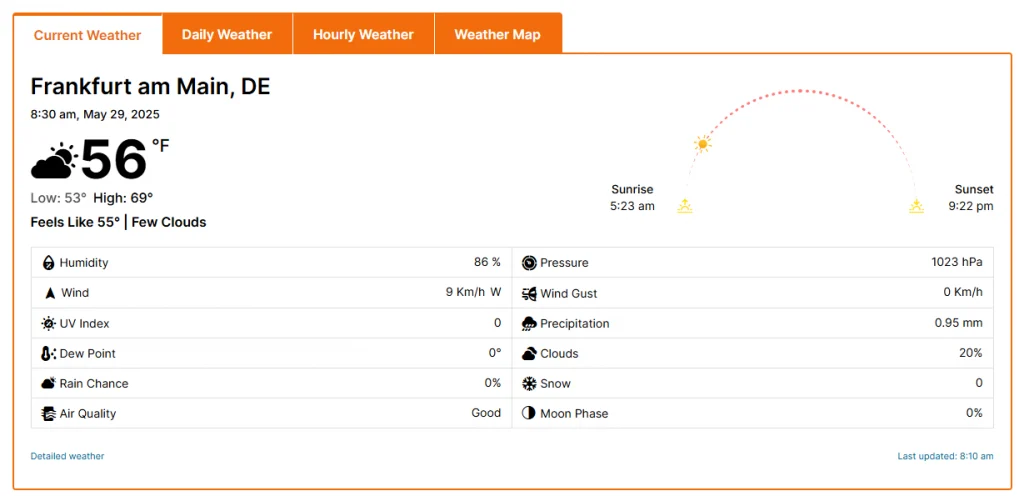
This is one of the best Gutenberg weather forecast blocks for displaying detailed weather forecasts. It allows you to organize large-scale weather forecast data across multiple tabs without overwhelming visitors with its massive size or the need for scrolling. Users can navigate to the current, daily, hourly, map, and more tabs to view weather data.
The Weather Tab block offers two templates for a quick start.

You can easily customize them as per your requirements and preferences.
A live weather tab looks like this.
Weather Table Block
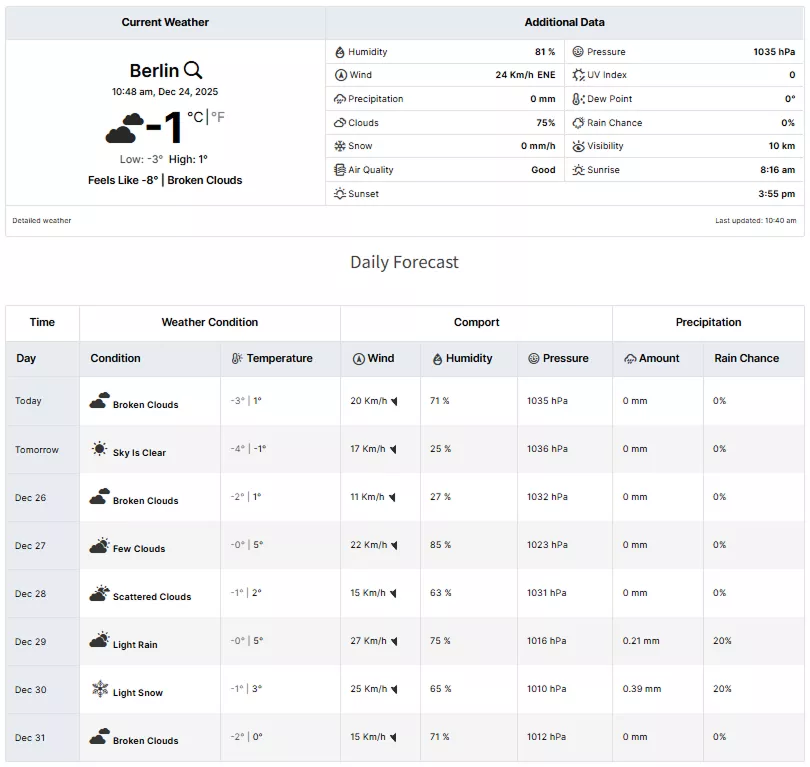
The Weather Table is a great weather block in the Gutenberg editor. It’s a great option to display weather data in multiple tables, such as the current weather data table, the daily weather data table, and the hourly weather data table. This block is a good option for a dedicated weather page.

It provides visitors with a comprehensive view of massive weather data at a glance.
A live weather table looks like.
Weather Map Block
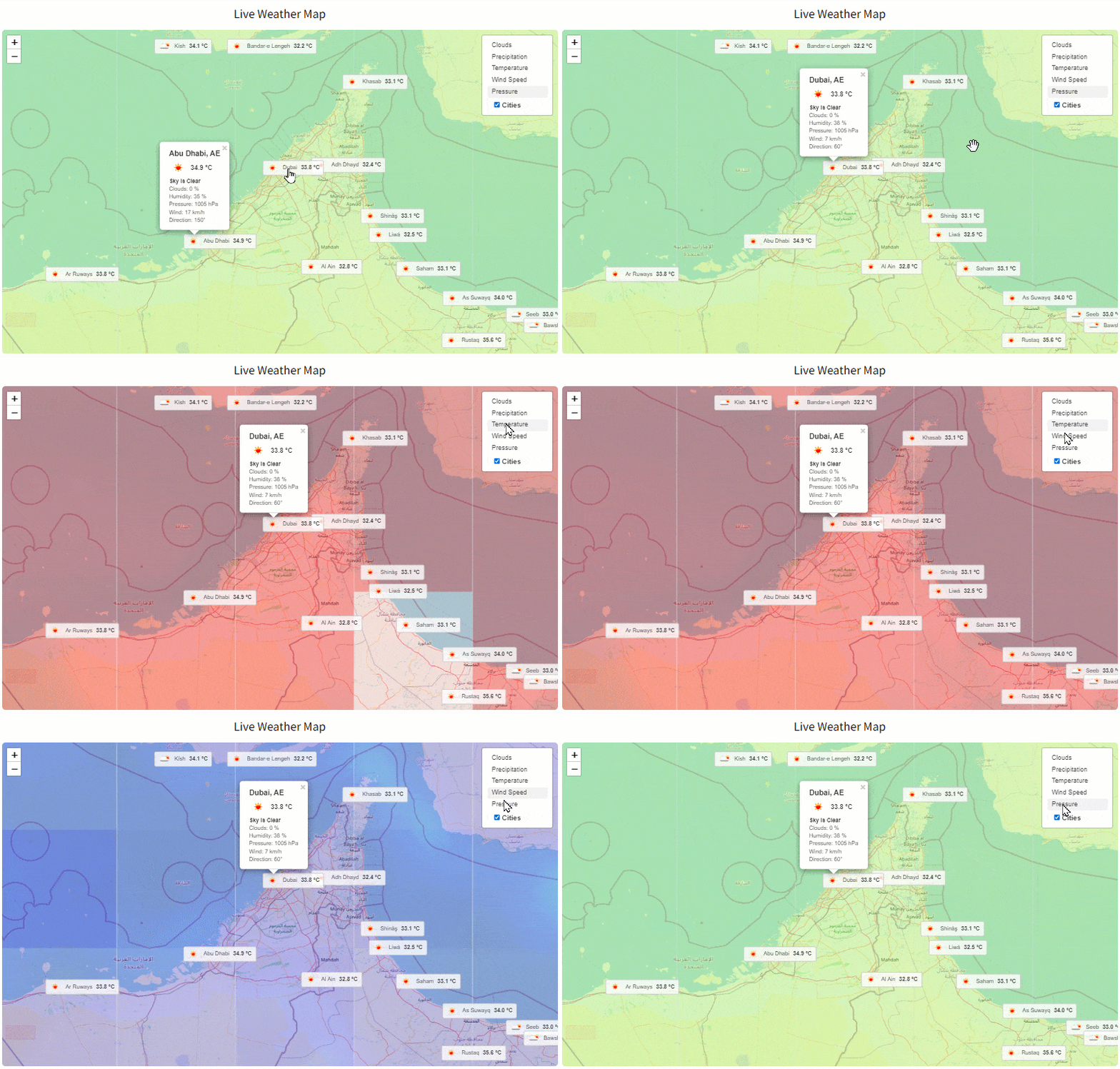
The weather map block is an excellent tool. It provides visual weather data on a live map. With this powerful block, you can display OpenWeather and Windy radar maps for specific locations or the entire world. Visitors can quickly watch the clouds, temperature, precipitation, wind speed, air pressure, and more in different cities.
How to Use the Best Gutenberg Forecast Block
It’s simple to use Gutenberg weather forecast blocks in WordPress. Install Location Weather and go to your Gutenberg editor. Type weather in the block search bar and find all the weather blocks by Location Weather.
Choose a block and template. Then, input the location you want to display weather for and easily customize the weather forecast according to your requirements and preferences to add beautiful weather forecasts in Gutenberg.
This way, Location Weather’s Gutenberg blocks let you add a beautiful weather forecast to your WordPress website in minutes.
These blocks allow you to add weather forecasts for any location worldwide with the Gutenberg editor.


Leave a Reply