



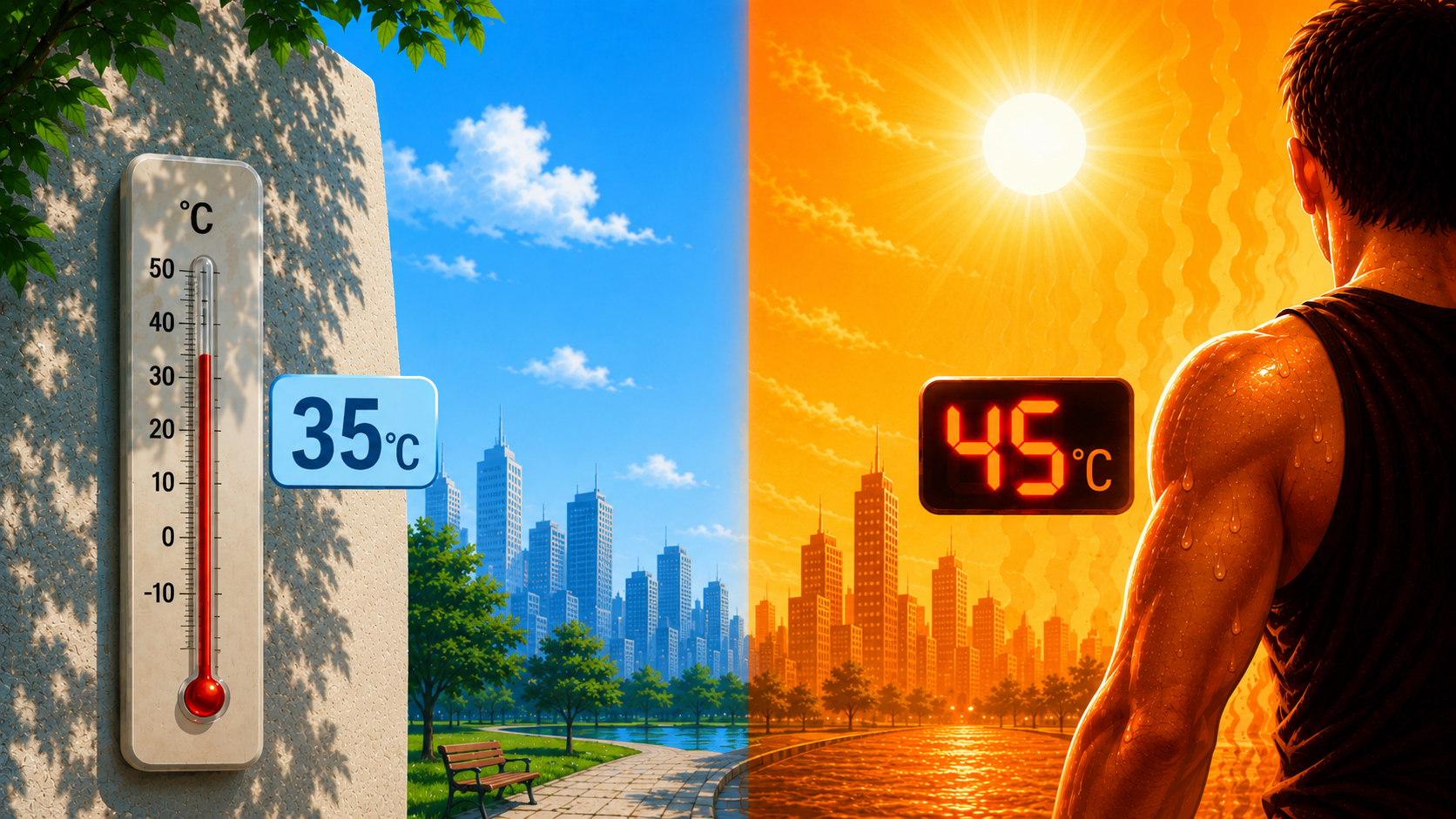
Weather forecasts often show two different temperatures: the actual air temperature and the “feels like” temperature. Many people wonder why the weather app says 35°C while it feels like 45°C outside. The answer lies in a weather measurement called apparent temperature.
In this guide, you’ll learn what feels like temperature means, how it is calculated, why it matters, and how factors such as humidity and wind can make the weather feel very different from the actual temperature.
What Is Feels Like Temperature?
Feels like temperature, also known as apparent temperature, real feel, or perceived temperature, is a measurement that describes how hot or cold the weather feels to the human body rather than the actual air temperature recorded by a thermometer.
Unlike standard temperature readings, apparent temperature considers additional environmental factors that influence human comfort and heat exchange.
These factors include:
Because of these factors, two days with the same air temperature can feel completely different.
Units: Apparent temperature is measured in the same units as air temperature:
Why Does Temperature Feel Different?
The human body constantly exchanges heat with its surroundings. Weather conditions can either increase or decrease this heat exchange.
For example:
This is why weather services provide a “feels like” temperature alongside the actual temperature.
The Main Factors That Affect Feels Like Temperature
Wind Chill Effect
Wind chill occurs when moving air increases the rate at which heat leaves exposed skin.
Even if the actual temperature remains unchanged, stronger winds can make the body lose heat faster, causing the weather to feel much colder.
When Does Wind Chill Apply?
Wind chill is generally used when:
Example:
| Actual Temperature | Wind Speed | Feels Like |
|---|---|---|
| 0°C | 30 km/h | -6°C |
| -10°C | 50 km/h | -22°C |
This explains why winter winds can feel extremely cold even when the thermometer does not show a severe temperature.
Heat Index Effect
The heat index describes how hot the weather feels when humidity is combined with high temperatures.
When humidity is high, sweat evaporates more slowly from the skin. Since evaporation is one of the body’s primary cooling mechanisms, reduced evaporation causes the body to retain more heat.
As a result, the weather can feel significantly hotter than the actual air temperature.
When Does Heat Index Apply?
Heat index calculations are commonly used when:
Example:
| Actual Temperature | Humidity | Feels Like |
|---|---|---|
| 35°C | 40% | 41°C |
| 35°C | 80% | 46°C |
This is why tropical and coastal regions often feel much hotter than dry areas with the same temperature.
Solar Radiation and Sun Exposure
Direct sunlight can also increase apparent temperature.
Standing under direct sunlight may make the temperature feel several degrees warmer than standing in the shade. Weather models often consider solar radiation when calculating apparent temperature because sunlight increases heat absorbed by the body.
For example:
Why Feels Like Temperature Matters
For everyday activities, the apparent temperature is often more important than the actual air temperature.
Health and Safety
Extreme apparent temperatures can increase the risk of:
Outdoor Planning
Knowing the feels-like temperature helps people decide:
Better Weather Understanding
The actual temperature tells you how warm or cold the air is. The apparent temperature tells you how your body is likely to experience that weather.
Feels Like Temperature vs Actual Temperature
| Feature | Actual Temperature | Feels Like Temperature |
|---|---|---|
| Measures air temperature | Yes | No |
| Includes humidity | No | Yes |
| Includes wind speed | No | Yes |
| Includes sunlight effects | No | Often |
| Reflects human comfort | Limited | Yes |
Display Feels Like Temperature on Your WordPress Website
If you run a weather-related website, travel blog, local news portal, school website, tourism website, or any platform that publishes weather information, showing the feels like temperature can provide visitors with much more useful weather insights than displaying only the actual temperature.
One of the easiest ways to add this functionality to WordPress is by using the Location Weather plugin.
Why Use Location Weather?
Location Weather allows you to display real-time weather information for any location directly on your WordPress website using widgets, shortcodes, or blocks.
Along with the Feels Like / Apparent Temperature, it can display many other important weather parameters, including:
Key Features of Location Weather
Benefits for Website Owners
Adding weather information to your website can:
Perfect for Many Types of Websites
The Location Weather plugin is ideal for:
Easy Weather Integration for WordPress
The plugin is beginner-friendly and does not require coding knowledge. Simply install, configure your preferred location, and start displaying professional weather information anywhere on your site.
Example Use Case
Imagine the actual temperature in your city is 35°C, but because of high humidity, the feels like temperature is 44°C. Visitors planning outdoor activities, travel, sports, or work schedules will benefit much more from the apparent temperature than from the raw temperature reading alone.
By displaying both values, your website can provide a more complete and practical weather experience for users.
Feels Like Temperature At a Glance
Frequently Asked Questions (FAQs)
Actual temperature measures the air temperature directly. Feels like temperature considers factors such as humidity, wind speed, and sunlight to estimate how the weather feels to the human body.
Yes. Apparent temperature, feels like temperature, real feel, and perceived temperature are commonly used terms for the same concept.
High humidity reduces sweat evaporation, making it harder for the body to cool itself. This causes the temperature to feel much hotter than the actual air temperature.
Wind removes the thin layer of warm air surrounding your skin, increasing heat loss and making the weather feel colder than the measured temperature.
Yes. Direct sunlight increases the amount of heat absorbed by your body, often making conditions feel several degrees warmer than the reported air temperature.
Both are useful, but feels like temperature is often more important for comfort, outdoor activities, and health-related decisions because it better reflects how weather affects the human body.
Meteorologists use scientific models that combine air temperature with factors such as humidity, wind speed, and sometimes solar radiation to estimate apparent temperature.



Leave a Reply